
创建制品库
使用 Nexus 或 DevOps 平台创建制品库。
本地配置制品库
1.设置本地npm, 将仓库设置为当前仓库
npm config set registry=https://registry.example.com/repository/npm-private/2.命令行登陆。在个人设置中可查看默认密码
npm login3.修改项目层的.npmrc,修改为需要推送的仓库地址
推送,发布
制作转译后的npm包
1.使用 Umi 制作转译包,需要在父工程的config.ts文件下添加alias配置
extraBabelPlugins: [
    [
      'module-resolver',
      {
        root: ['./'],
        alias: {
          '@': './src',
        },
      },
    ],
  ],
2.可以在父工程使用
node ./node_modules/umi/bin/umi.js hzero-transpile --all --transpile-common-if-change对所有子模块进行转译,也可以进入单独的子模块使用yarn transpile对指定子模块进行转译。
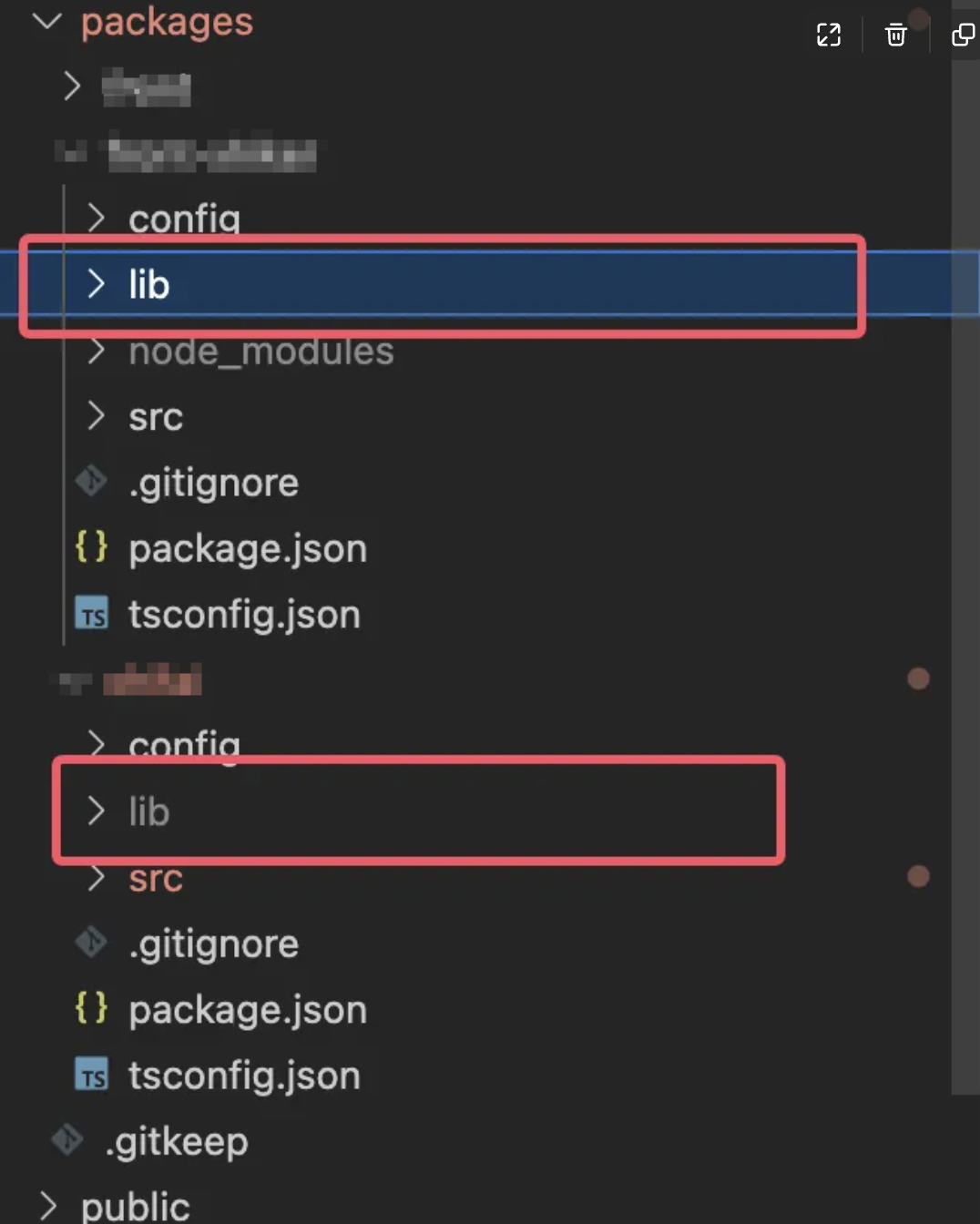
"transpile": "node ../../node_modules/umi/bin/umi.js hzero-transpile",转译结束后会在子模块根目录得到lib文件。
推送
1.准备推送的内容,例如创建package.json,写入
{
    "name": @my-scope/demo-package,
    "version": 1.1.0,
    "description": "",
    "main": index.js,
    "author": "",
    "license": MIT
 }
2.推送npm包
npm publish --registry=https://registry.example.com/repository/npm-private/拉取
方法1
1.在需要使用的项目中,根目录下的.npmrc增加配置
# 针对特定 scope 的 registry 配置
@my-scope:registry=https://registry.example.com/repository/npm-private/
2.在根目录中按需添加依赖
"@my-scope/module-a": "*",
"@my-scope/module-b": "*"
3.在packages-config.js配置中按需添加配置
{ name: '@my-scope/module-b' },
{ name: '@my-scope/module-a' },
方法二
1.在原有依赖基础上新增,可直接使用yarn add 模块 --registry=指定源增量更新依赖。
yarn add @my-scope/module-a --registry=https://registry.example.com/repository/npm-private/ yarn add @my-scope/module-b --registry=https://registry.example.com/repository/npm-private/ 2.在packages-config.js配置中按需添加配置
{ name: '@my-scope/module-b' },
{ name: '@my-scope/module-a' },
可能出现的问题
1.在推送时,出现npm ERR! need auth You need to authorize this machine using npm adduser。
npm ERR! code ENEEDAUTH
npm ERR! need auth This command requires you to be logged in to https://registry.example.com/repository/npm-private/
npm ERR! need auth You need to authorize this machine using `npm adduser`
需要npm config set后进行npm login登录。
2.制作完npm包,并且能正常引入,但在yarn build的时候报错,且报错信息为找不到router入口。
检查对应子模块router文件,需要把
{
  path: '/basic-information-maintenance',
  component: './BasicInformationMaintenance',
},
修改为
{
  path: '/basic-information-maintenance',
  component: '@/pages/BasicInformationMaintenance',
},
不然在build时会找不到编译后的页面入口。
3.制作完npm包,并且能正常引入,但在yarn build的时候报错,且报错信息为找不到某个引入的.jsx文件。
在执行完transpile转译后,所有jsx文件会变成js文件,会导致引入出错,需要修改代码中的引入。